
Digital products
We are ideas.We are possibilities.We are digital.
Learn something new, develop your ideas and discover everything you can create. Find digital resources to move forward at your own pace, wherever you are.
Ebooks, courses and digital resources in your own space.
Secure payment Access once payment is confirmed On phone, tablet or computer
Categories
What would you like to discover today?
Explore different topics and find something that matches your interests.

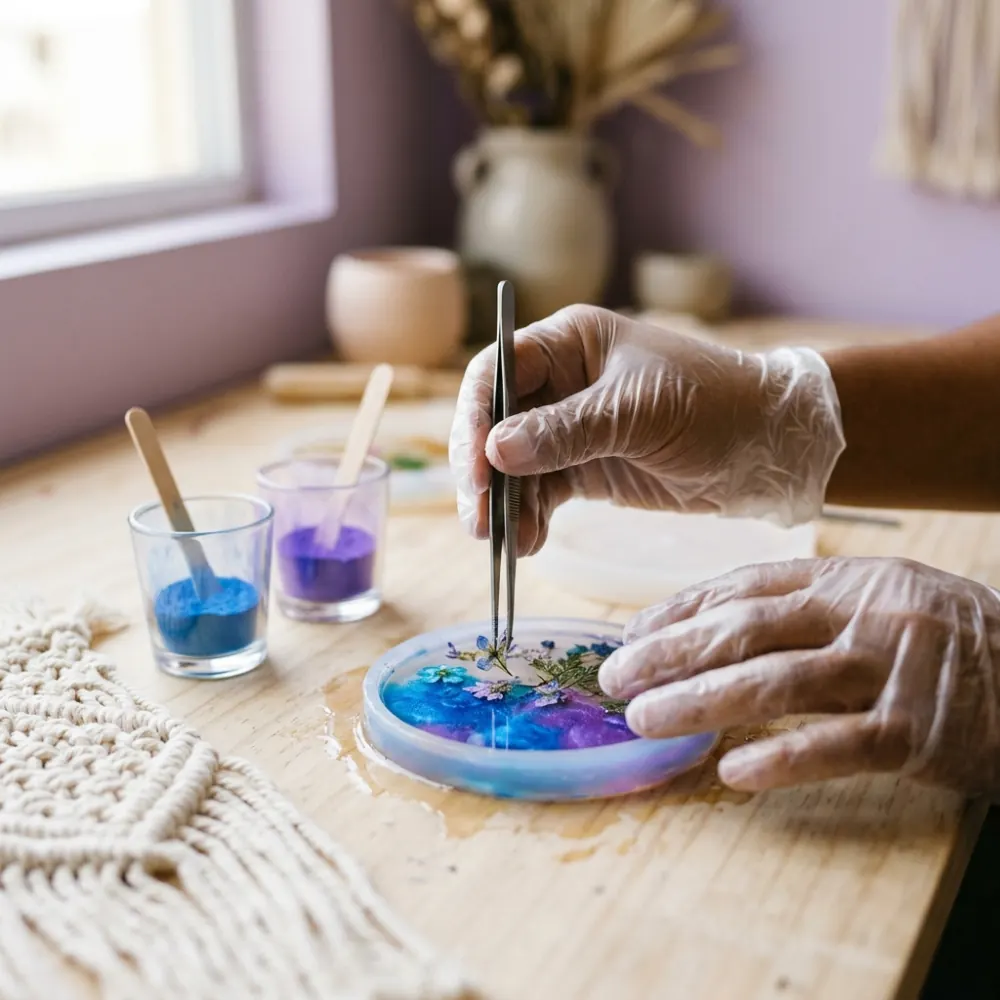





Featured
Your next big start is here.
Discover practical resources to learn, create and take the next step.
How it works
Choose, buy and start. It’s that simple.
- 01
Explore
Find a product you’re interested in.
- 02
Buy
Complete your purchase through a secure payment provider.
- 03
Access
Find the product you bought in My Siamo.
- 04
Enjoy
Learn and check your content from your phone, tablet or computer.
Each product page shows the product’s format and how to access it.
My Siamo
Everything you buy, in one place. Always at your own pace.
Forget digging through old emails and links. In My Siamo you can find your products, review your purchases and pick up where you left off, when the content allows it.
- A library with your progress in each product
- Reader, videos and audio that remember where you left off
- Purchase history and receipts
- Help and support requests from your account
 DIGITAL
Hi, María
Pick up where you left off
Ebook
Ebook
Video course
Audio
Example view. Your account shows only your products and your data.
Why Siamo
Much more than buying: an experience to make the most of every product.



Your products, organized
Everything you buy shows up in your library, in one place.
Access from your phone, tablet or computer
Open it in your browser, nothing to install.
Content that’s easy to find
Clear modules and, when the content allows it, your progress saved.
Clear information about your purchases
Check your history and receipts whenever you need.
Help when you need it
FAQs and direct contact with our team.
An experience designed for learning at your own pace
No fixed schedules: move forward whenever and however suits you.
We are ideas, we are possibilities, we are digital.
Siamo AssistYour questions, made simple.
Always here whenever you need help.
- Instant answersQuestions about access, purchases and using the platform.
- Guides you through your purchasesShows you products and where to find what you already have.
- A person when you need oneLeave your request for the support team without leaving the chat.
- Private and secureIt only sees your purchases when you’re signed in. It never asks for passwords.
How do I access what I bought?
Sign in to My Siamo with the same email you used to pay: your purchase shows up automatically in “My library”. If it was your first purchase, we sent you an email with a link to activate your account. And if you’d rather not use a password, under “Sign in” you can request a sign-in link to that email.
Do I need to create an account before buying?
No. You can buy with just your name and email. We use that email to create your access to My Siamo and send you a link to activate it. If you already have an account, the purchase is added to your library.
Can I access it from my phone?
Yes. You sign in from the browser on your phone, tablet or computer, with nothing to install. You just need an internet connection and your account email.
Can I download my products?
Products are used within the platform. Some materials, like templates or worksheets, can be downloaded: in that case you’ll see the “Downloadable” label and the “Download” button next to the file.
What payment methods can I use?
Payment is made on our payment provider’s secure page. There you’ll see the methods available in your country (for example, credit or debit cards) and the total before confirming. We never see or store your card details.
How do I ask for help?
Choose whatever works best for you: look up your question in this Help center; ask Siamo Assist, our assistant, with the chat button; if you already have an account, send a request from My Siamo → Help and track its status; or write to us from Contact. If it’s about a purchase, include your order number.
What’s the refund policy?
You can request a refund within 7 days of your purchase. Write to us from My Siamo → Help or from Contact with your order number and the reason. We review each case personally and reply by email. Read the full policy under “Refunds”.
How do I get back into my account?
You have two options. 1) Under “Sign in”, choose “With an email link” and enter the email from your purchase: you’ll get a link to sign in without a password. 2) Under “Forgot your password?” we’ll send you a link to create a new one. If you no longer have access to that email, write to us from Contact with your order number.
 DIGITAL
Your next idea starts here.
Discover new knowledge, explore your interests and find your next project.
Secure payment Access once payment is confirmed